macOS · iPad · iPhone · Web

Most dental software can’t handle how you actually get paid.

Braces over two years, part payments, GCash. Dentista is built around that — and around the chart and the intake form that go with it.

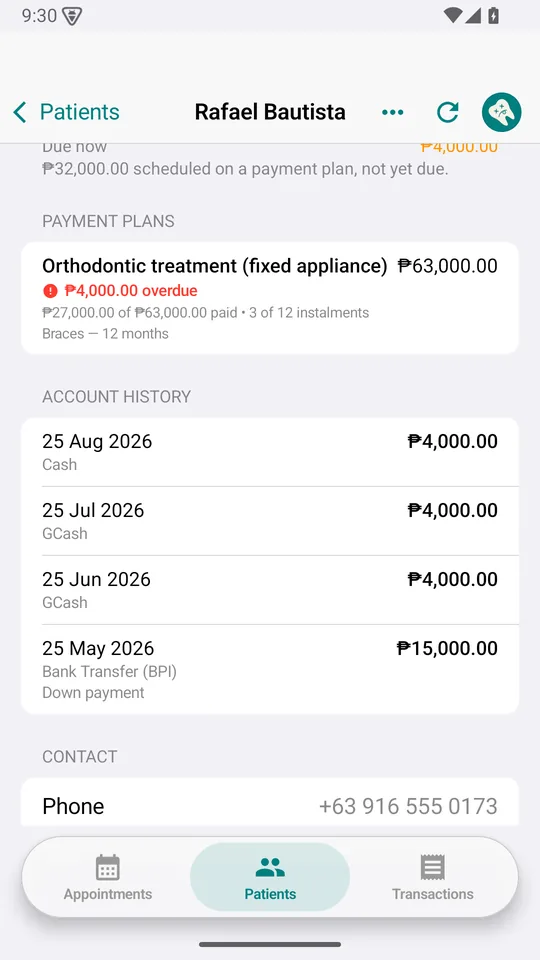
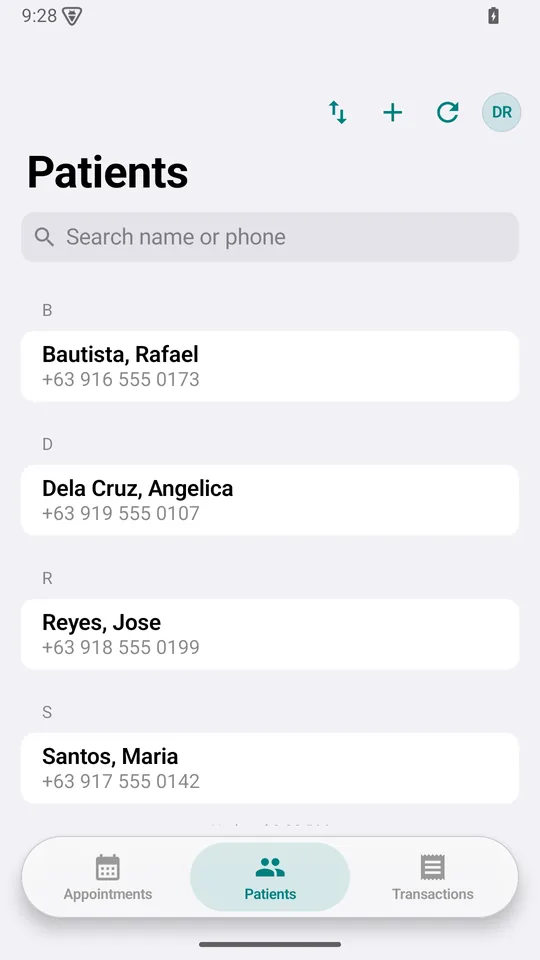
The web client is read‑only — it shows records, it cannot change them. It runs in any modern browser and installs on Windows and Android. Writing stays in the Mac, iPad and iPhone apps, where the offline saving is.

Dentista Front desk · 08 Aug 2026
Row-level security

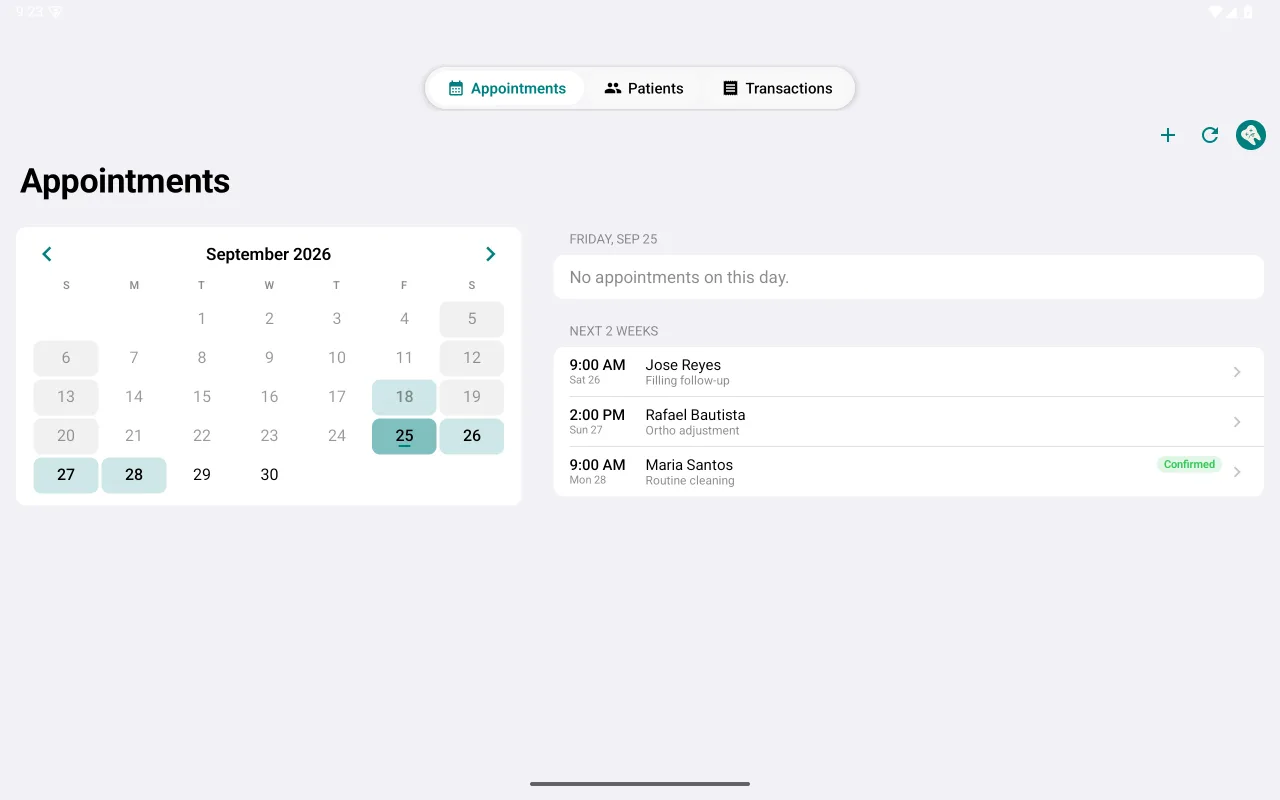
Today's schedule

MonTueWedThuFriSat
Maria SantosRestoration, 26
Jose ReyesOrtho adjustment
Ana Dela CruzProphylaxis

Odontogram · FDI

Maria Santos

Billing status

Jose ReyesOrtho · 24 mo

Due now

₱0.00

Not yet due

₱52,000.00

Instalment 11 · 12 Jul₱4,000.00Paid
Instalment 12 · 12 Aug₱4,000.00Paid
Instalment 13 · 12 Sep₱4,000.00Not due

Clinical exam

Oral hygiene
Fair — calculus, lower anteriors
Gingivitis
Localised, marginal
Occlusion
Class I
Prosthetics
None
Physician
Dr. A. Villanueva · +63 917 000 0000

Stylised interface. All patient details are fictional.

Money

A plan, a balance, and no way to fudge either

A down payment and a schedule of instalments. Every balance is the sum of the payments recorded against it — there is no paid / unpaid switch to flip, and a payment entered by mistake is reversed by an offsetting entry that stays visible beside the original.

Two figures, never conflated. “Due now” is what a patient can be asked for today. Instalments not yet due sit apart from it, so a patient up to date on braces is never chased for money.

The statement prints with the running balance, the full schedule and the clinic’s PRC, PTR and TIN. How it works, in full →

Statement · Jose Reyes08 Aug 2026
Down payment · 12 Sep 2025₱15,000.00Paid
Instalment 10 · 12 Jun 2026 · GCash₱4,000.00Paid
Instalment 11 · 12 Jul 2026 · Cash₱4,000.00Paid
Instalment 12 · 12 Aug 2026 · Bank transfer₱4,000.00Paid
Instalment 13 · 12 Sep 2026₱4,000.00Unpaid
Correction · duplicate entry 12 Jul, reversed−₱4,000.00Reversed
PRC · PTR · TIN printed on every pageShare

At the chair

The chart and the intake form, on the iPad

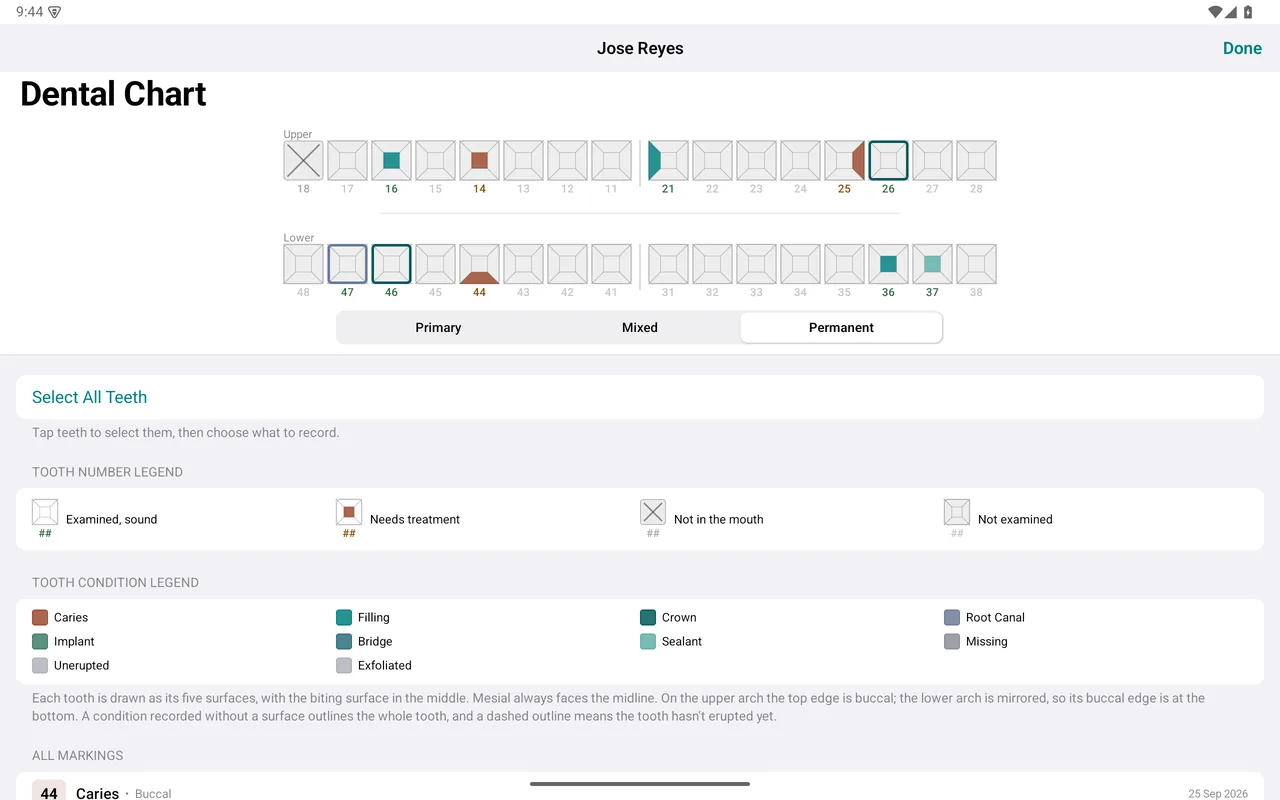
Tap a tooth on a full FDI odontogram to record caries, fillings, crowns, root canals, implants or extractions, with the surfaces involved. The chart at the chair is the chart at the front desk.

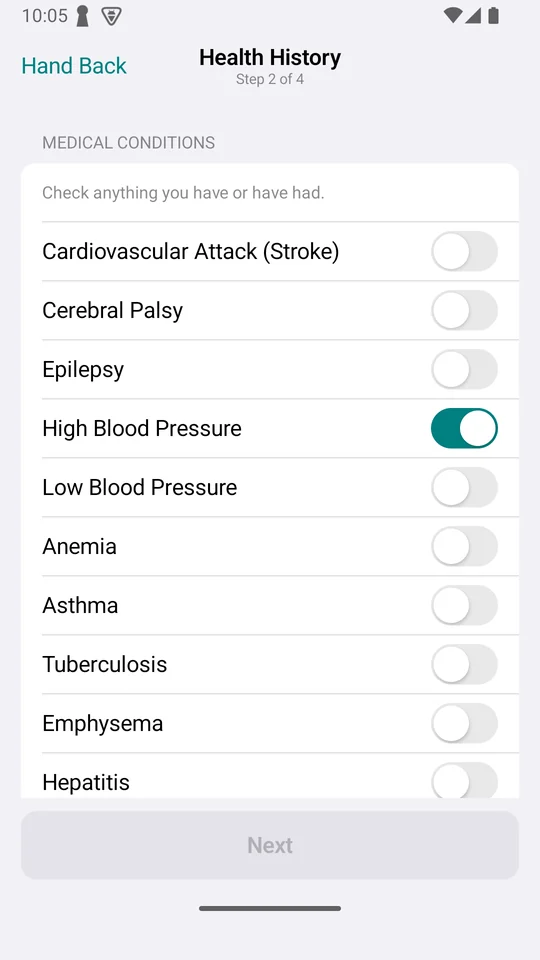
Your paper intake form, digitised — conditions, medications, blood pressure, physician, dental history. Anything that affects treatment is lifted to the top of the record in red, where it cannot be missed.

AllergyPenicillin — rash. BP 148/92 recorded 12 Jun 2026.

No connection

It keeps working when the Wi‑Fi doesn’t

A record saves on the device the moment you tap save, connection or none, and the app opens to a full patient list either way. Anything that hasn’t reached the database is listed where you can see it, and goes up by itself once there’s a signal.

Republic Act 10173

Compliance as a by‑product of use

Consent kept as a record rather than a checkbox. Staff see what their role allows. Every change writes to an append‑only log — the app has no way to alter or delete an entry. Retention follows Presidential Decree No. 1575, so “how long do I keep this?” is already answered.

Records live in a hosted PostgreSQL database with row‑level security. The privacy policy has the detail →

Consent
What was agreed and when. Oral‑surgery consent signed on the iPad, stored with the signature.
Access
Role‑based. Reversing a payment is an administrator action.
Audit
Append‑only log of who changed what, and when.
Retention
Aligned to PD 1575.

Where things stand

In active development, in use at one practice

Not a multi‑tenant platform and not sold as one. Native macOS, iPad and iPhone applications, running at a single clinic and changing as that clinic uses them.

There is also a read‑only browser client, for the machines the apps don’t run on — the Windows PC beside the chair, an Android tablet. It reads the same records and installs to the home screen, but it cannot create or change a patient, treatment, appointment or payment. Writing stays where the offline saving is. What it does, in full →

There is no demo to book and no sales process. The guide describes every part of it; the FAQ answers what the clinic actually asked.

Stage
In active development. Features change as the clinic asks for them.
Deployment
One dental practice, in daily use at the front desk and at the chair.
Platforms
Native macOS, iPad and iPhone applications, read and write.
Elsewhere
Read‑only browser client, installable on Windows, Android and anything else with a modern browser.
Reminders
Local notifications for clinic staff only. Nothing is sent to patients.